
If you want to film yourself gaming or streaming, you want your videos to look as good as possible. It is a lot more than just turning on your camera and hitting record.
When you have a good-looking background in your videos, people are more likely to hit subscribe and want to watch more of your video content, so here are some tips to make sure your background looks as good as it can…
Choosing The Right Lighting For A Clean Camera Look
Your lighting affects how clear and sharp you’re going to look on camera. Even if you have a top quality webcam or camera, the footage will look poor in bad light. You need steady and balanced light that will show your face, without harsh shadows.
Choose a main light source, and place it in front of you and one slightly to the side, preferably sitting at eye level, or a little higher, to reduce shadows under your eyes.
Many popular streamers use a ring light as they’re simple and compact. They give you an even light across your face, and work well in smaller spaces. Although, if you use just a ring light, it can end up looking flat.
If you want a softer and more natural glow, you can use softboxes. They give you an even spread of light over a wider area, to reduce sharp lines and any glare. The softer light will also make your skin look smoother, as well as keeping your setup from looking too harsh.
Adding some ambient lighting behind you will separate yourself from the background. You can use LED strips, lamps or some light panels, and it’ll make your filming space look deeper, and more polished.
Picking A Background That Looks Good On Camera
Plan the background of your videos with the placement of your camera in mind, by framing the shot first, then designing only what your camera can see in frame.
Having a minimalist gaming room will often look better on camera, as it reduces the visual noise. Hide cables and gear with smart storage, like drawers, bins or some wall-mounted racks.
You can add depth with some floating shelves behind you. Personalize them by adding smaller items like controllers, plants or framed gaming art on them, ensuring you spread the items out, so the wall doesn’t look too crowded.
Using RGB Lighting Without Overdoing It
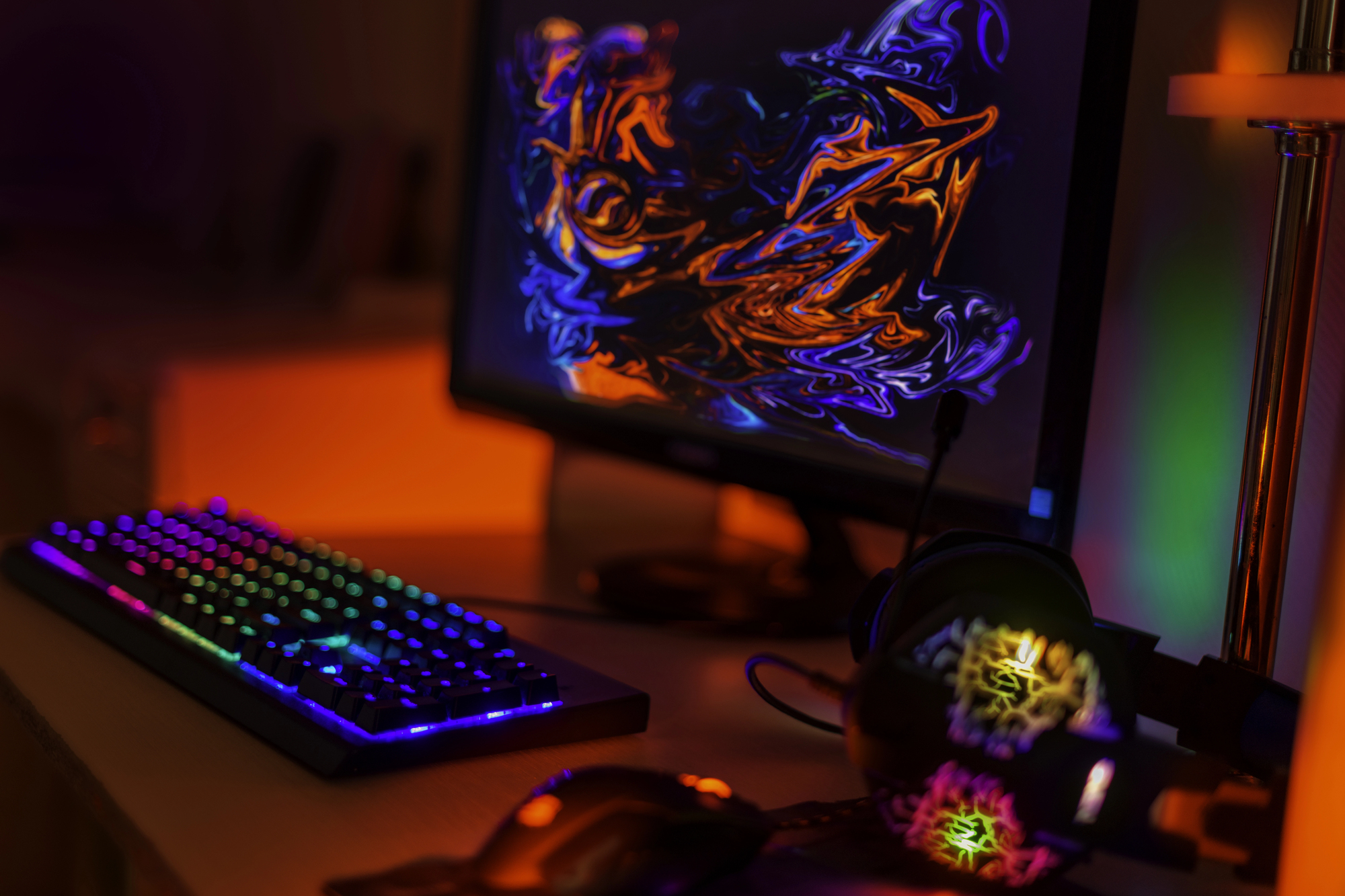
RGB lighting can improve how your setup is going to look on camera, but having too much color can end up distracting your viewers. You want lighting that is going to support your space, and not steal attention.
Start off with one main lighting source, adding RGB lighting as an accent and not as your primary light. Smart bulbs work well for this, and you can place one in a lamp behind you, and set it to a soft color like blue, purple or warm orange.
Creating Depth Between You And The Background
Place some space between you and the wall, with around 2 to 5 feet when possible. This gap will help your camera to separate you from the background, and make your gaming setup look clean on screen.
Pull your gaming desk slightly forward, instead of pushing it against the wall, and keep your gaming chair centered in frame.
Think about your background by adding shelves, LED lights or wall panels behind you to create some layers.
Test your monitor setup in your streaming software, before going live. Small shifts in camera angle, or your chair position can improve depth and make your whole setup look more sleek.